R36S Plus guides
R36S Plus guides: getting started, Wi-Fi and settings
Guides to help you get to know your R36S Plus: the square screen, microSD cards, charging, Wi-Fi depending on the installed system, and emulation. Every guide lists its sources.
-
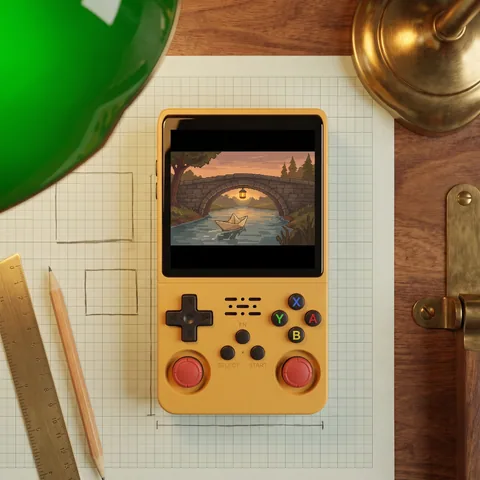
R36S Plus vs R36S, R36 Max and R36 Ultra: Which to Buy?
Square 4-inch screen vs 3.5-inch 4:3, built-in Wi-Fi, same RK3326 chip: the R36S Plus, R36S, R36 Max and R36 Ultra compared on their spec sheets.
Read -
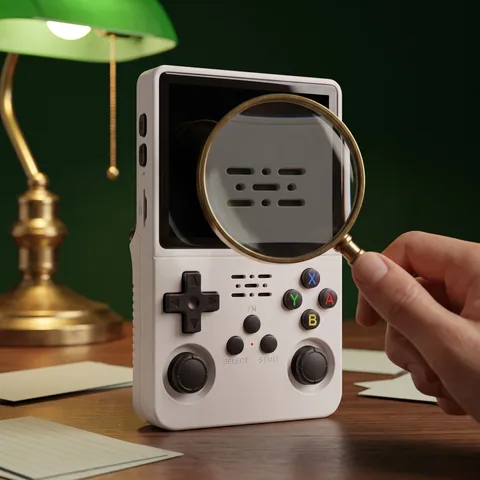
R36S Plus Original: How to Spot the Right Version
Square 4-inch 720 x 720 screen, built-in Wi-Fi, two sticks, V20 board: what to check in the listing and when your R36S Plus arrives.
Read -
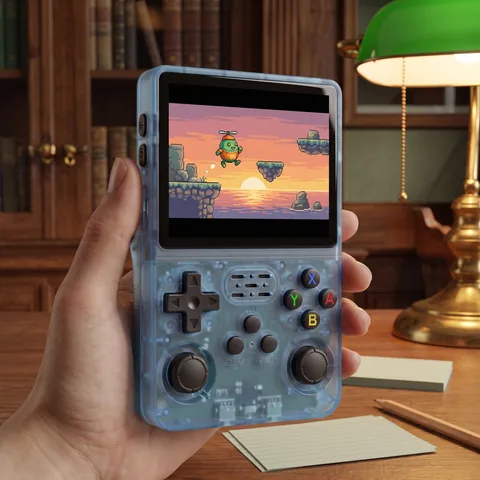
R36S Plus Games and Emulators: What Actually Runs Well
What the R36S Plus RK3326 chip emulates well, what depends on the game, the square screen, PortMaster depending on the installed system, and legal play.
Read -
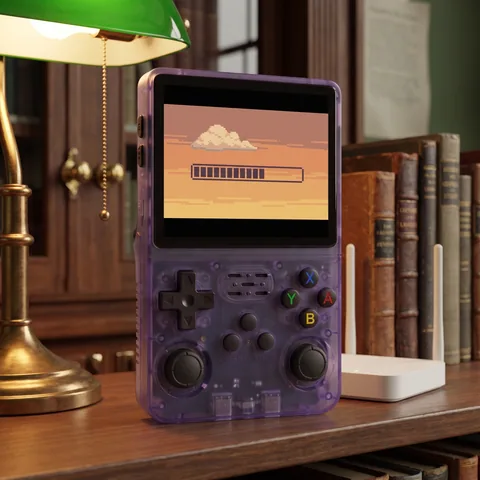
R36S Plus WiFi: What It Does and What It Doesn't
R36S Plus 2.4 GHz Wi-Fi, depending on the installed system: cover art, RetroAchievements, PortMaster, updates, file transfers. And what it can't do.
Read -
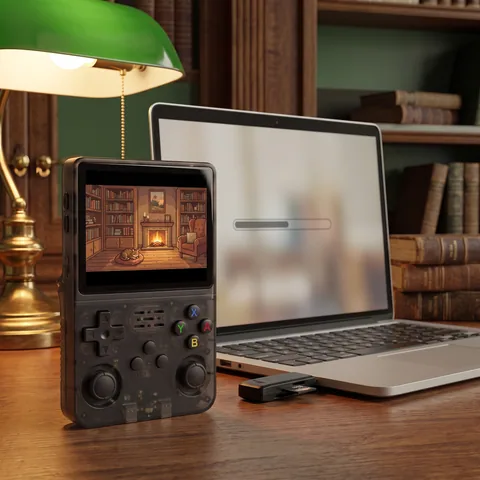
R36S Plus Firmware and ArkOS: System and Updates
Which system runs on the R36S Plus, how updates work, which community firmware exists, and how to back up and restore your microSD cards.
Read -
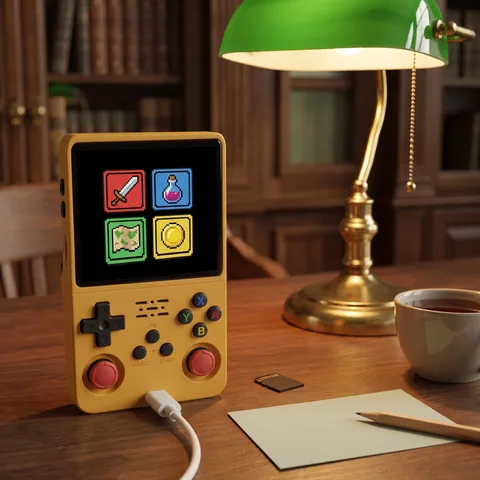
R36S Plus Setup Guide: Controls, Wi-Fi and Adding Games
Your first evening with the R36S Plus: USB-C charging, the TF1-OS and TF2-GAME cards, controls, 2.4 GHz Wi-Fi, adding your games and saving.
Read -
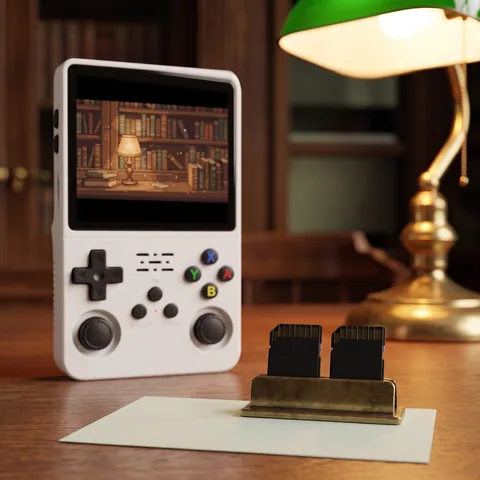
R36S Plus 64GB vs 128GB: Choosing a microSD Card
64GB or 128GB for the R36S Plus? What capacity changes, what the TF1-OS and TF2-GAME slots do, which microSD card to buy and how to back up.
Read -
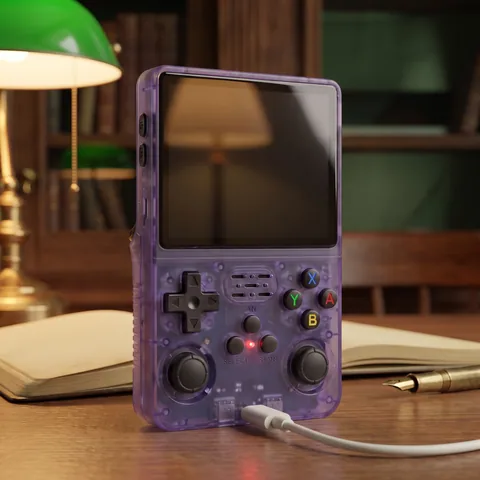
R36S Plus Not Turning On or Black Screen: How to Fix
R36S Plus won't turn on or shows a black screen? Charge through the DC port, use Power and Reset, check the TF1-OS card, flashing and 2.4 GHz Wi-Fi.
Read


Our guides are based on supplier spec sheets and public documentation. We don't claim any hands-on testing.